Is Your Website Affected by PHP2Shell? A 5-Minute Checklist for Business Owners
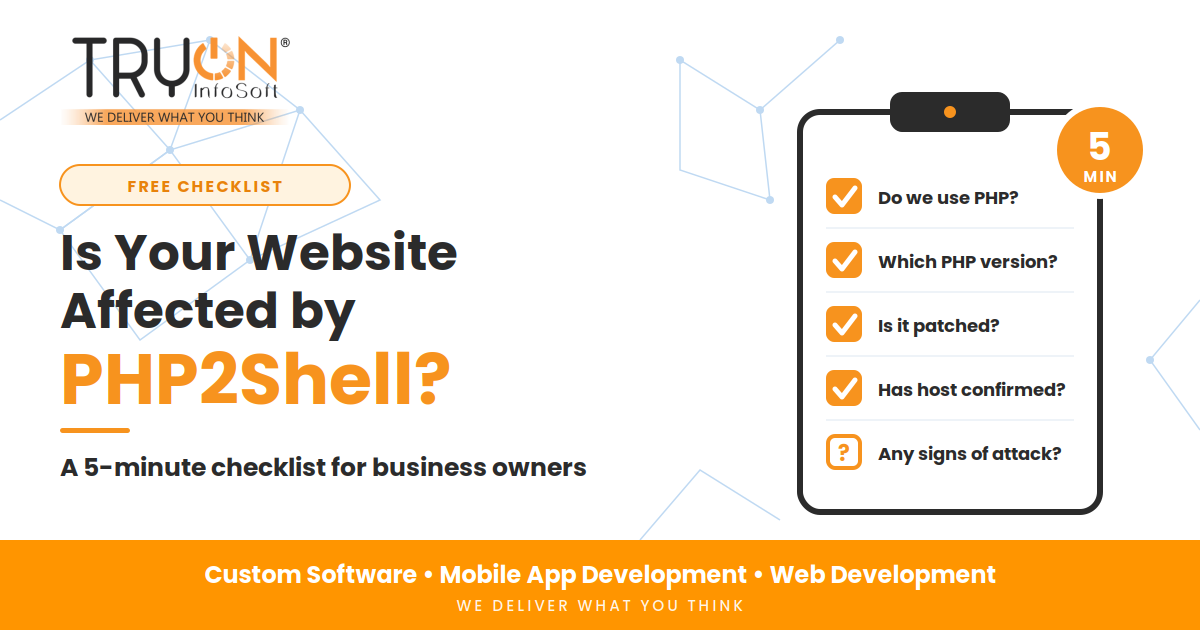
The good news is that you do not need to be an experienced sysadmin or software engineer to find out. This practical checklist walks you through the diagnosis in about five minutes. No special developer tools, no terminal commands, and nothing risky.
Want the complete technical background first? Read our comprehensive companion guide: PHP2Shell Explained: What the New Critical PHP Vulnerabilities Mean for Your Business Website. If you just want to know where you stand right now, start here.
Your website is probably affected if both of these conditions are true:
- It runs on PHP: This includes WordPress, WooCommerce, Magento, Joomla, OpenCart, Laravel, CodeIgniter, or custom PHP portals, and
- The PHP version on your server is not one of the official fixed releases: Specifically
8.5.12,8.4.27,8.3.36, or8.2.35(or newer).
⚠️ Critical: If your PHP version is 8.1 or older, you are vulnerable and no official patch will ever be released because those versions are End of Life. You will need to upgrade.
The 5-Minute Security Audit Pipeline
Follow these 5 non-technical checkpoints to verify your vulnerability exposure
Before You Start: What You Need
You do not need any coding knowledge. Just have these three items handy:
Your domain name plus any staging or subdomain sites.
Access to cPanel, Plesk, or your developer's phone number.
A quick cup of tea while running through this checklist.
Check 1: Does Your Website Use PHP?
Time required: 1 minute
Most business websites do. Over 75% of the dynamic web relies on PHP. Review the two columns below to identify your platform:
- WordPress or WooCommerce
- Magento (Adobe Commerce) or OpenCart
- PrestaShop, Joomla, or Drupal
- Laravel, CodeIgniter, Symfony
- Custom portal with .php URLs
- Shopify (Managed SaaS)
- Wix & Squarespace (Managed SaaS)
- Webflow (Cloud hosted)
- Node.js, Python, or ASP.NET
- PHP2Shell is their provider's job, not yours
Not sure? Ask whoever built your website, or check your hosting invoice. If it mentions cPanel, MySQL, or WordPress hosting, assume Yes.
Result: If your site uses PHP, proceed to Check 2. If not on PHP, you are safe from PHP2Shell.
Check 2: Find Your PHP Version
Time required: 2 minutes
Choose whichever method is easiest for you:
- Log in to your WordPress admin panel (e.g.
yourdomain.com/wp-admin). - In the left menu, click Tools → Site Health.
- Click on the Info tab at the top.
- Click to expand the Server accordion section.
- Look for the line that says PHP version (e.g.
8.2.28).
- Log in to your cPanel hosting account.
- Under Software or Advanced, click Select PHP Version or MultiPHP Manager.
- Find your primary domain name in the table and note the PHP version displayed.
- Log in to Plesk.
- Under Websites & Domains, locate your site.
- Click on PHP Settings and view the active PHP version.
Send a quick WhatsApp message or email to your web developer or agency. A competent developer will confirm your running PHP version within two minutes.
- Never leave a public
phpinfo.phpfile on your live server: Some developers upload a script to print PHP details. If left exposed, attackers can read your entire server architecture. - Check all subdomains and staging portals: Often a main site runs modern PHP, while a forgotten subdomain (like
api.yourdomain.comortest.yourdomain.com) quietly runs an ancient, vulnerable PHP 7.x.

Check 3: Compare Your Version with the Safe List
Time required: 30 seconds
Now that you know your running PHP version, match it against the official patched matrix:
| Your PHP Version | Security Status | Action Required |
|---|---|---|
| 8.5.12 or newer | Patched (Safe) | You are in good shape. Complete Checks 4 & 5 to be sure. |
| 8.4.27 or newer | Patched (Safe) | You are in good shape. Complete Checks 4 & 5. |
| 8.3.36 or newer | Patched (Safe) | You are in good shape. Complete Checks 4 & 5. |
| 8.2.35 or newer | Patched (Safe) | You are in good shape. Complete Checks 4 & 5. |
| 8.5.0 to 8.5.11 | Vulnerable | Update immediately to 8.5.12 or newer |
| 8.4.0 to 8.4.26 | Vulnerable | Update immediately to 8.4.27 or newer |
| 8.3.0 to 8.3.35 | Vulnerable | Update immediately to 8.3.36 or newer |
| 8.2.0 to 8.2.34 | Vulnerable | Update immediately to 8.2.35 or newer |
| 8.1 or older (down to 5.4) | Vulnerable & EOL | No official fix planned. Must upgrade to a supported PHP version. |
If your server runs enterprise Linux (like Red Hat, Debian, or Ubuntu LTS), your hosting provider may have backported the security patch directly into your package without incrementing the base version number. Ask your host or server administrator to confirm in writing that CVE-2026-109618 and CVE-2026-109619 are patched.
Check 4: Ask Your Host or Developer (With Copy-Paste Templates)
Time required: 1 minute (plus waiting for reply)
Even if your version appears safe, obtaining written confirmation gives your business legal and operational peace of mind. Use these exact templates:
Hello, I would like to confirm the security status of my website [yourwebsite.com] regarding the PHP vulnerabilities CVE-2026-109618 and CVE-2026-109619 (PHP2Shell).

1) What PHP version is my website currently running on?
2) Has the server been updated to a PHP release that contains the fix?
3) If not, when will it be patched, and do I need to select the new version myself in the control panel?

Please reply in writing for our compliance records. Thank you.
Hi, can you please confirm the PHP version running on our live website, staging site, and any other web applications we have, and whether they are patched for CVE-2026-109618 and CVE-2026-109619?

If not, please share a safe update plan and timeline, including a backup and staging test to ensure nothing breaks. Thank you.
Check 5: Look for Warning Signs of a Compromise
Time required: 1 minute
Updating PHP closes the door to future attacks, but it does not evict an attacker who has already compromised the server. Ask yourself these six quick questions:
- Does your website show strange redirects or popup spam, especially when viewed on a mobile device?
- Are there new or unrecognized administrator user accounts in your WordPress or CMS dashboard?
- Has your site experienced unexpected slowdowns, high server CPU spikes, or 503 errors?
- Have Google Search Console or browser antivirus tools flagged your domain as deceptive?
- Are customers or suppliers reporting spam emails that appear to originate from your domain?
- Does your developer discover unfamiliar
.phpfiles tucked inside thewp-content/uploads/folder?
Do NOT paste your domain into sketchy "free vulnerability checker" websites you have never heard of. Do NOT attempt to run exploit scripts yourself. And do NOT delete server files in a panic—doing so destroys digital forensic logs and makes recovery much harder.
Your Result: What to Do Next
Tally what you found and follow the corresponding path:
- Keep the written confirmation from your host.
- Verify automated server backups are running.
- Check secondary subdomains and staging sites.
- Update PHP to fixed version within days.
- Take a complete off-site backup first.
- Test on staging before pushing live.
- Upgrade to a supported PHP branch immediately.
- Have a developer review code compatibility.
- Run a deep malware & backdoor scan.
6 Common Mistakes in This Checklist
- "I updated WordPress, so I'm safe." WordPress updates do not change the server's PHP engine.
- Checking only the main domain. Staging sites and test subdomains on older PHP are prime breach targets.
- Trusting a green tick in a security plugin. Plugins cannot patch core C runtime vulnerabilities.
- Assuming the host automatically did it. Always verify in writing.
- Waiting for a quiet moment. Automated bots scan 24/7 without waiting.
- Neglecting backups before updating. Always back up before updating server software.
Your Interactive 5-Minute Checklist
Click items as you complete them to track your progress live:
Want Us to Check Your Website For You?
Since 2016, Tryon InfoSoft has engineered and maintained custom web platforms, e-commerce applications, and mobile apps for businesses across India. If your checklist leaves you with questions, or with a result that is not green, our team is here to assist:
Final Thoughts
Checking whether your website is exposed to PHP2Shell takes less than five minutes. Upgrading or refactoring can take longer, but the most important step is simply knowing where your server stands and getting written confirmation from whoever manages your infrastructure.
Do the five checks today. If anything returns amber or red, take immediate action.
Frequently Asked Questions
.php or hosted on cPanel, it also uses PHP. If you are unsure, ask your developer or hosting company.
Sources and Technical References
- PHP Project Security Releases: Official release advisories for PHP 8.5.12, 8.4.27, 8.3.36, and 8.2.35.
- UK National Cyber Security Centre (NCSC): Critical security advisories regarding core PHP runtime vulnerabilities.
- Plesk & cPanel Security Bulletins: Official guidance for hosting administrators regarding CVE-2026-109618 and CVE-2026-109619.
- Google Cloud & Datadog Security Labs: Threat telemetry and analysis of automated PHP2Shell exploitation attempts.