PHP2Shell Explained: What the New Critical PHP Vulnerabilities Mean for Your Business Website
A very large share of the global web runs on PHP—powering WordPress, WooCommerce, Magento, PrestaShop, OpenCart, Laravel, CodeIgniter and thousands of custom-built business systems across India and worldwide.
At Tryon InfoSoft, we build and maintain custom software, mobile apps and web platforms for businesses across India. This guide explains, in plain language, what PHP2Shell is, why it matters, whether your website is at risk, and what to do about it right now without needing an advanced technical background.
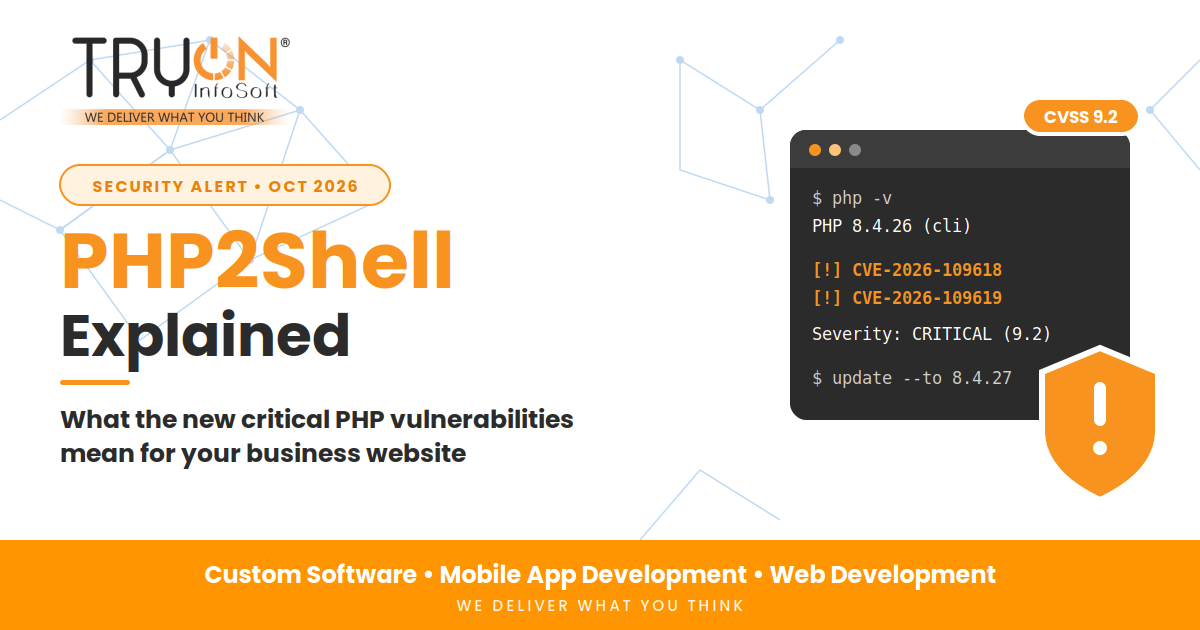
- Two serious flaws, CVE-2026-109618 and CVE-2026-109619, were found in the PHP runtime itself. Both are rated Critical (9.2 out of 10).
- They can allow an attacker to run their own code on a web server without logging in (Unauthenticated Remote Code Execution).
- They affect all PHP versions from 5.4 up to 8.5.11.
- Fixed versions released are PHP 8.5.12, 8.4.27, 8.3.36 and 8.2.35.
- PHP 8.1 and older will not receive a fix because they have reached End of Life (EOL).
- The real fix is to update PHP on the server. Updating WordPress, plugins or themes does not fix it.
- Attackers began scanning and attempting exploits within hours. Act now, not next month.
First, What Is PHP, and Why Does It Matter to Your Business?
PHP is the programming language that runs on web servers. When a visitor opens your website, PHP is often the engine that builds the page, processes orders, validates user logins and communicates with your database.
You might not know whether your site uses PHP, but you almost certainly rely on it if your website is built on:
- WordPress or WooCommerce: Powering over 40% of all websites on the internet.
- E-Commerce Engines: Magento (Adobe Commerce), OpenCart, PrestaShop or Joomla.
- PHP Frameworks: Laravel, CodeIgniter, Symfony, or Yii.
- Custom Web Portals: Bespoke web applications built by an agency or internal developers.
Because PHP sits at the very foundation of these platforms, a flaw in PHP itself is far more dangerous than a vulnerability in a single plugin. It is like discovering a structural fault in the foundation of a building, rather than a broken lock on one door.
What Is PHP2Shell?
"PHP2Shell" is the nickname for two related vulnerabilities in the core PHP runtime. The word "shell" refers to command-line control over your web server: if an attacker gets a shell, they can execute arbitrary commands on your hosting account or server as if they were sitting at the terminal keyboard.
In cybersecurity terms, these are Remote Code Execution (RCE) vulnerabilities. In plain language: an anonymous stranger on the internet can force your web server to execute malicious instructions simply by transmitting specially crafted web requests.
The Two Flaws in Simple Language
A Memory-Handling Glitch (Out-of-Memory Confusion)
When the server experiences a memory spike at a specific micro-moment, PHP can be interrupted while preparing request data. It then attempts cleanup using memory structures that were never properly initialized. Attackers can leverage this internal state confusion to hijack control.
Leftover Data Leak Between Web Requests
Persistent PHP workers can sometimes retain residual internal state from an earlier request and accidentally reuse it during a subsequent request handled by that same worker thread. Attackers abuse that stale data to gain unauthorized execution.
You do not need to understand the underlying C programming internals. What matters to your business is the outcome: these flaws can be triggered remotely without any username, password or prior account on your website.
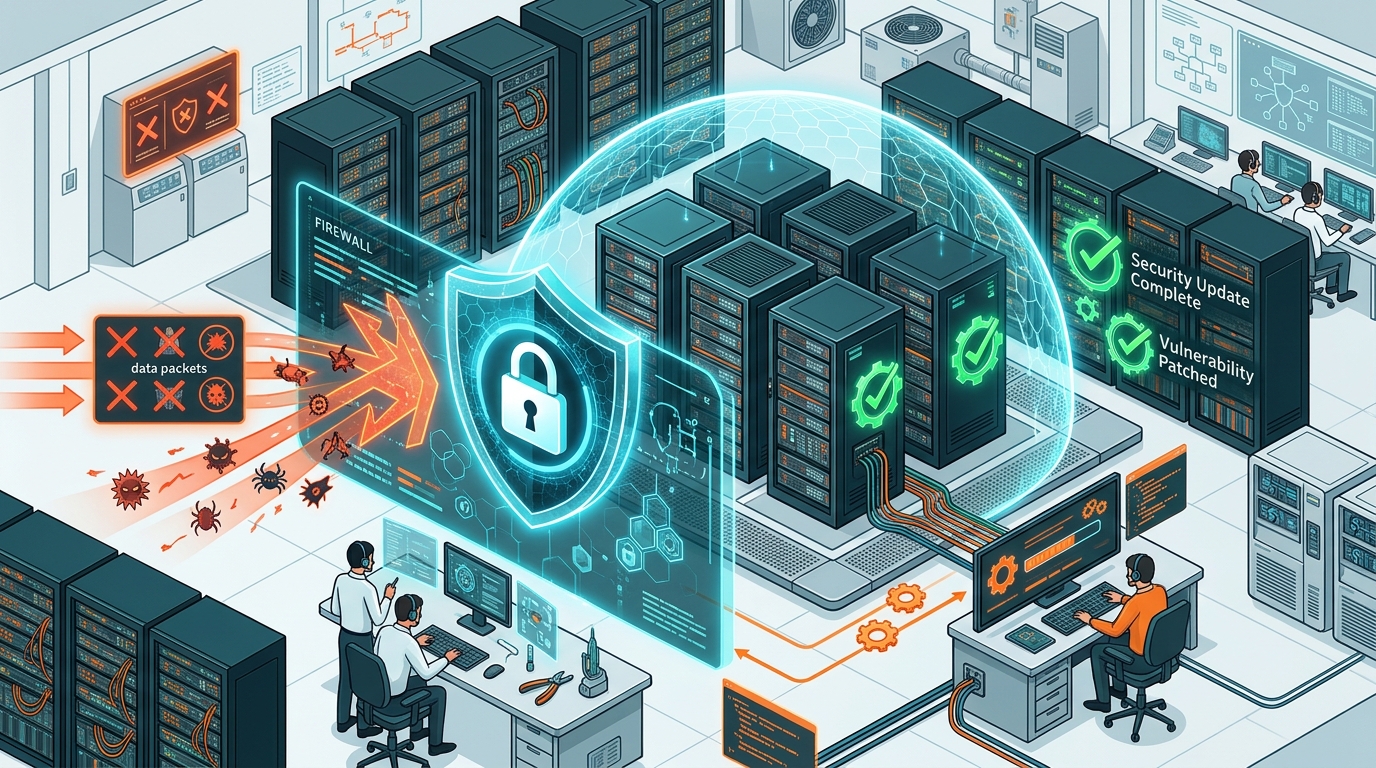
How PHP2Shell Works: Attack Vector vs. Patched Defense
Understanding how malicious web traffic exploits unpatched PHP engines versus a secure server
Which Versions of PHP Are Affected?
The vulnerability spans across virtually every generation of PHP released over the last decade. Review the matrix below to see where your web application stands:
| PHP Version Branch | Vulnerability Status | Required Safe Action |
|---|---|---|
| PHP 8.5.0 to 8.5.11 | Vulnerable | Update immediately to PHP 8.5.12 |
| PHP 8.4.0 to 8.4.26 | Vulnerable | Update immediately to PHP 8.4.27 |
| PHP 8.3.0 to 8.3.35 | Vulnerable | Update immediately to PHP 8.3.36 |
| PHP 8.2.0 to 8.2.34 | Vulnerable | Update immediately to PHP 8.2.35 |
| PHP 8.1, 8.0, 7.x, 5.4 | Vulnerable & End of Life | No official fix planned. Must upgrade to a supported PHP branch (8.2+). |
If your website runs PHP 8.1, 7.4 or earlier, you have two serious problems: this critical vulnerability, plus the fact that the version is no longer maintained by the PHP foundation. The only safe path is to migrate your website code to a supported PHP version.
Cybersecurity telemetry indicates that a massive share of internet-facing web servers run legacy PHP versions that will never receive an automatic patch. Many of these belong to small and mid-sized enterprises that have not reviewed their hosting infrastructure in years.
Is Anyone Actually Attacking Websites with This?
Yes, active exploitation attempts have been confirmed in the wild. Cybersecurity intelligence firms and global hosting providers observed widespread scanning within hours of the public security disclosure, with automated exploit scripts circulating across public repositories and hacker forums.
To keep this in perspective:
- An attempt is not the same as a successful breach: Top hosting providers deployed immediate web application firewall (WAF) filters to catch primitive probes while rolling out root runtime patches.
- Attacks are 100% automated: Hackers do not hand-pick companies by name or turnover. Automated scripts scan massive ranges of IP addresses across the globe, probing every server that answers on port 80 or 443.
- Small businesses are prime targets: Because large tech enterprises often have dedicated DevSecOps teams to patch within minutes, opportunistic attackers pivot to small business websites that are left unpatched for months.
What Could Happen to a Business If a Website Is Compromised?
If an attacker achieves remote code execution on your server, they gain control of your application files, configuration secrets, and database connections. Here are the realistic consequences:
Your homepage or product links are hijacked to redirect visitors to scam, phishing, or casino sites, instantly ruining brand reputation.
Intruders siphon customer lists, phone numbers, delivery addresses, GST numbers, and order histories directly from the database.
Attackers inject malicious JavaScript into checkout forms, intercepting customer credit card details and UPI transaction parameters.
Google Safe Browsing flags your domain as deceptive, replacing your website with a bright red warning screen and destroying organic traffic.
Your server is harnessed into a spam botnet, leading to email domain blacklisting where legitimate business quotes land straight in client spam folders.
Attackers plant discreet PHP web shells in media upload folders, granting them ongoing root access long after the initial vulnerability is resolved.
Server resource exhaustion or forced quarantine by your hosting provider takes your business completely offline during key festival trading seasons.
Businesses handling customer records in India face statutory data fiduciary compliance obligations under the Digital Personal Data Protection Act, 2023.
Common Myths About PHP2Shell
There is substantial misinformation spreading online regarding who is vulnerable and how to fix it. Here is the reality behind the top myths:
What Should You Do Right Now? A Step-by-Step Plan
Follow this pragmatic 6-step roadmap to protect your business assets calmly and thoroughly:
Step 1: Find Out Your Exact PHP Version
Check your hosting control panel (look for "Select PHP Version", "MultiPHP Manager", or "PHP Settings"). On WordPress, navigate to Tools → Site Health → Info → Server to see your running PHP version immediately.
Step 2: Check Whether Your Hosting Provider Has Patched
Review recent service emails from your host or contact their support team with this exact inquiry: "Has this server been updated to a PHP version containing the official fix for CVE-2026-109618 and CVE-2026-109619?"
Step 3: Take a Complete Off-Site Backup
Before applying server upgrades or configuration tweaks, generate a full backup of all website files and the database. Download a copy off the server to secure cloud storage or local drives.
Step 4: Update PHP to the Fixed Version
Update to 8.5.12, 8.4.27, 8.3.36, or 8.2.35 (whichever matches your current release branch). If your site is running PHP 8.1 or older, spin up a staging environment first to verify theme and plugin compatibility before upgrading.
Step 5: Restart Services & Verify Core Flows
Restart the PHP-FPM / web server daemon, re-check your active PHP version string, and test critical business operations: customer checkout, contact inquiry forms, payment gateway callbacks, and administrative logins.
Step 6: Audit for Existing Signs of Compromise
Patching closes the vulnerability, but it does not evict an intruder who already slipped inside. Inspect for unrecognized administrator accounts, unknown PHP scripts in media/upload folders, abnormal CPU spikes, or recent cronjob modifications.
What If You Cannot Update Immediately?
On certain legacy platforms, upgrading PHP versions requires refactoring deprecated code functions. If you need 48–72 hours to test before completing a full upgrade, server administrators have shared temporary stopgap configurations:
- Disable Session Upload Progress: Setting
session.upload_progress.enabled = Offin yourphp.iniremoves one of the primary triggers for memory state manipulation. - Disable Fatal Error Backtraces (PHP 8.5): Turning off verbose backtrace capture in experimental builds avoids triggering cleanup confusion.
- Apply Web Application Firewall (WAF) Rules: Ensure Cloudflare, AWS WAF, or host-level ModSecurity rules are actively blocking malformed multipart requests.
Why This Vulnerability Is a Strategic Wake-Up Call
Beyond the immediate patching urgency, PHP2Shell delivers critical lessons for every business owner and technology manager:
A website is active enterprise software. Just like your smartphone or office operating systems, the server software stack requires ongoing patching and maintenance.
A system that has functioned without issue for five years may quietly be running on obsolete, unsupported engines that become easy targets overnight.
Clarify exactly who holds operational responsibility for server updates: your hosting provider, your web development agency, or internal IT staff.
Automated, tested, off-server backups turn catastrophic server emergencies into routine, manageable restore procedures.
When zero-day exploits become public, the window between vulnerability disclosure and automated internet-wide weaponization is measured in hours, not months.
How Tryon InfoSoft Can Protect Your Website
Since 2016, Tryon InfoSoft has developed, upgraded, and maintained custom web platforms, e-commerce stores, and enterprise applications for organizations across India, North America, and Europe. We help businesses navigate security disclosures calmly, systematically, and safely:
Final Thoughts
PHP2Shell is one of the most critical web vulnerabilities of 2026, but it is entirely manageable with proactive execution. The fix is clear: update PHP to a patched, supported version, verify that your server was not compromised prior to patching, and institute a dependable recurring update routine.
The companies that suffer severe losses during cybersecurity disclosures are rarely the ones that attackers deliberately target. They are simply the businesses that did not realize their servers were exposed until it was too late.
Frequently Asked Questions
Sources and Technical References
- PHP Project Security Releases: Official release advisories for PHP 8.5.12, 8.4.27, 8.3.36, and 8.2.35.
- UK National Cyber Security Centre (NCSC): Security alert and technical guidance on critical PHP runtime vulnerabilities.
- Plesk & cPanel Security Bulletins: Guidance for hosting administrators on CVE-2026-109618 and CVE-2026-109619.
- Google Cloud & Datadog Security Labs: Telemetry and attack vector analysis on PHP2Shell exploitation in the wild.